WebShuttle - It's Free »

Windows Vista and 7

With the release of Windows Vista and Windows 7, we have received some questions about the compatibility of Bytescribe products with the new version of Windows, and about what issues might come up if you upgrade to Vista/7 or get a new computer with Vista/7 already installed.


At this point, all Bytescribe products are Vista/7 compatible, although in some cases newer versions of drivers or software may be needed.  We've listed our products and services below, with their Vista/7 compatibility, any issues that may arise, and links to any downloads that may be needed.


If you have any questions that are not answered on this page, please feel free to call us at 408-987-5628 or to send an email to postmaster@bytescribe.com.


Product Compatibility List


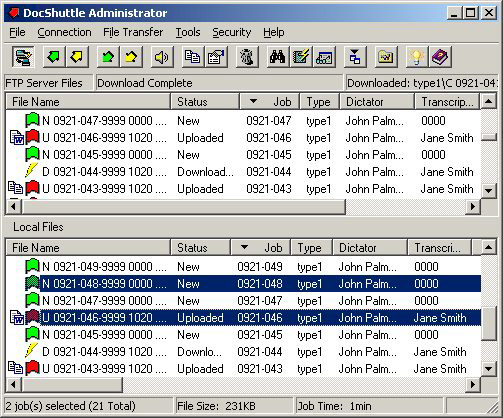
DocShuttle Administrator - Vista/7 compatible, if UAC is turned off (click here for instructions)
DocShuttle Dictator  - Vista compatible, if UAC is turned off (click here for instructions)
DocShuttle Transcriptionist  - Vista compatible, if UAC is turned off (click here for instructions)


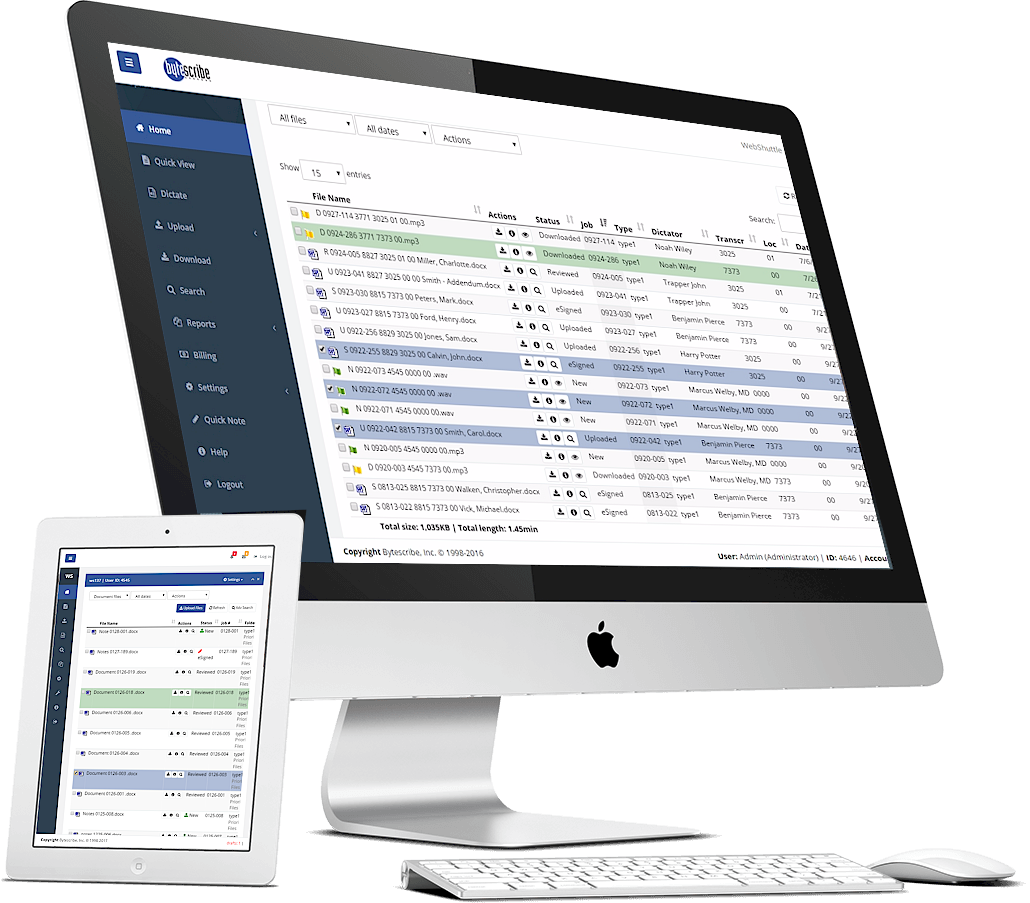
WebShuttle ASP Service - Vista/7 compatible.  WebShuttle sends files in the TrueSpeech .wav format, whose codec is not included with Windows Vista/7.  Users will need to install either the newest version of the WavPlayer from our Downloads page or the free TrueSpeech Codec Installer


Dongle license key - Vista/7 compatible.  Dongle users will need to download and install the new Dongle drivers from our website at http://www.bytescribe.com/downloads/dongle_install.exe.


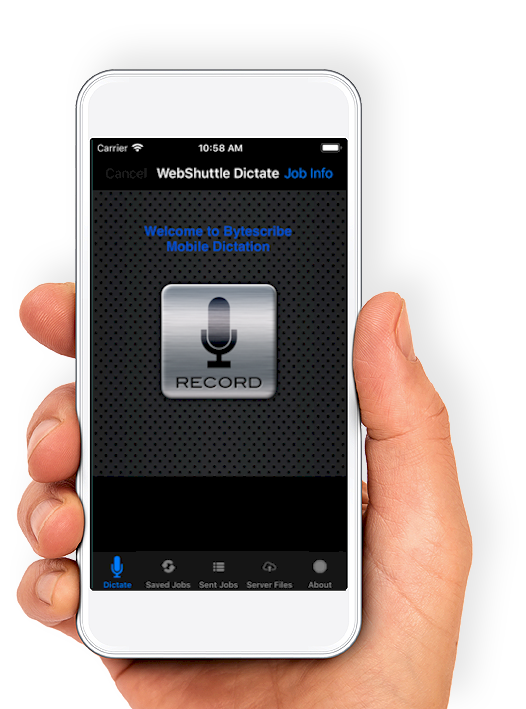
eShuttle Dictate  - Vista/7 compatible
eShuttle Transcribe  - Vista/7 compatible


Export Utility - Export Utility can convert files to a range of audio formats, including the TrueSpeech .wav format, which is not included with Windows Vista/7. In order to convert files to the TrueSpeech .wav format, you will need to download and run Bytescribe's free TrueSpeech Codec Installer from http://www.bytescribe.com/downloads/tsp_codec_install.exe.


Import Utility  - Vista/7 compatible


Orator Digital Dictation Systems including Dictation Kits, Express, Pro, and Enterprise systems are Vista/7 compatible.  Currently, only Orator VoIP is not compatible with Vista/7.  The Dialogic drivers require Windows XP or 2003 Server.


SwiftText  - Vista/7 compatible


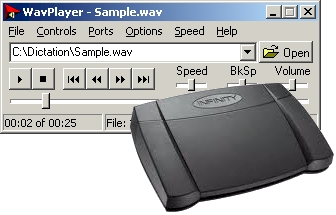
WavPlayer foot pedals - USB foot pedals are Vista/7 compatible; Serial Port foot pedals are not recommended for use with Windows Vista/7.


WavPlayer software - Vista/7 compatible.  The newest version of the WavPlayer will be needed in order to play TrueSpeech .wav files.

About Bytescribe

Bytescribe powers transcription companies and the dictators that use them. We offer a unique blend of software, technology and expertise designed to help transcriptionists maximize their business potential. Our mission is to help transcriptionists at all levels maximize both their productivity and profitability.